When an AI-Generated Intimate Image Targets You
Discovering an AI-generated intimate image that appears to show you can trigger panic, anger and a strong urge to investigate. You may want to search for every copy, confront the account or ask friends to confirm what they saw.
Pause before doing any of those things. A deepfake can be false while the privacy violation, harassment or threat around it is very real. The safest response is a short, documented sequence: preserve essential evidence, report the source, limit further exposure and protect your accounts.
This guide is for adults and provides general information, not legal advice. Reporting routes and legal protections differ by country. If you face an immediate physical threat, contact local emergency services or a qualified support professional.
You do not have to prove that a fake image is technically convincing before asking a platform to address nonconsensual use of your identity.
What a deepfake intimate image means
A deepfake intimate image is synthetic or digitally altered media that places a real person’s likeness into an intimate context without that person’s consent. It may be generated, face-swapped, edited from another image or combined with misleading captions. The technology and level of realism can vary.
The important question is not whether the material is “real.” It is whether your identity was used in a private or sexualized depiction and then created, shared or threatened without your permission. Consent to a normal photograph, a webcam conversation or a private message is not consent to an AI alteration or public distribution.
Why a fake image can cause real-world harm
People can react to a manipulated image before they understand how it was made. A post may be copied into private messages, used to impersonate you or attached to threats against your relationships, work or reputation. Synthetic media can still create real privacy and safety consequences.
What to do in the first 30 minutes
- Stop direct contact. Do not negotiate, pay, send more material or click a link supplied by the account making the threat.
- Save the location. Record the page URL, username, platform, date, time and any threat or message.
- Report the source. Use the platform’s privacy, harassment, impersonation or nonconsensual intimate imagery route.
- Ask for help. A trusted person can record basic details while you step away from the screen.
- Secure your accounts. Start with your email, then review reused passwords, active sessions and two-factor authentication.
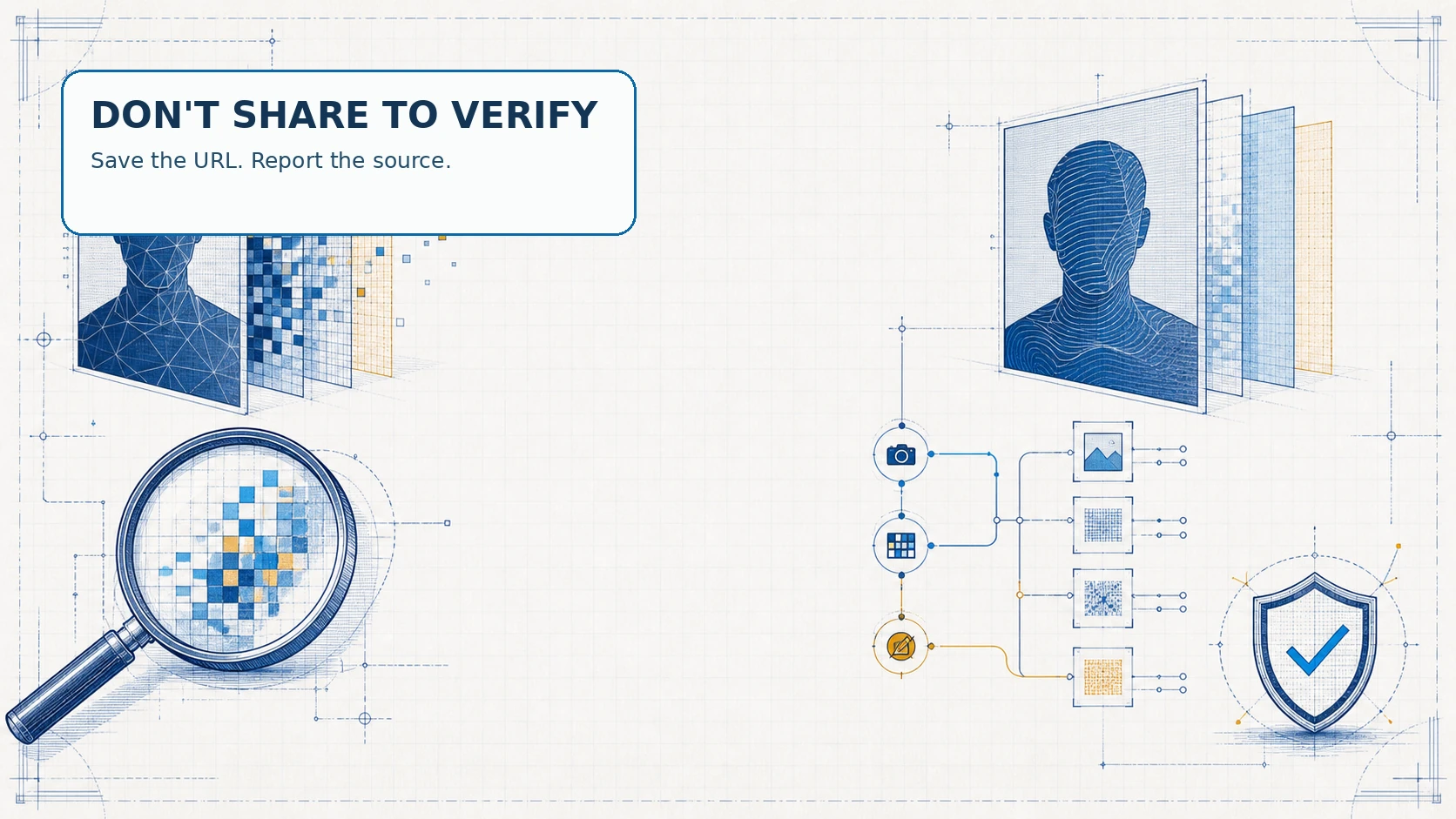
You do not need to download the image, forward it to friends or collect every version. A URL, account identifier and report confirmation may be enough.
Do not investigate by downloading or reposting the image
Searching for more copies can expose you to repeated distress and can unintentionally increase distribution. Do not upload the material to a “deepfake detector,” public forum or group chat just to ask whether it is authentic. Some services also use frightening claims to collect images, passwords or payment details.
If someone asks you to send a fresh image, identity document or screen recording as proof, stop and verify the organisation independently. A legitimate platform report should explain what information it needs, how it handles personal data and how you can follow up.
How to preserve evidence without spreading it
Create a private incident log with the source URL, profile name, account ID if visible, timestamps, threats, report category and case number. Keep the log in a protected account or offline location. If you take a screenshot, crop it to the URL, username and surrounding interface whenever possible.
Do not include the intimate depiction in a public report, social post or email chain. If a lawyer, investigator or support service needs additional material, ask how they want it transferred before sending anything. If the person shown may be under 18, do not download or forward the material; seek urgent advice from appropriate local authorities or a child-safety service.
How to report a deepfake to the original platform
Report the post, profile, message or page where the material is hosted. Choose the closest available category, such as privacy violation, impersonation, harassment, nonconsensual intimate imagery or digitally altered sexual content. Explain that you are the person depicted, that the material is synthetic or manipulated and that you did not consent to its creation or distribution.
Include exact URLs rather than a general search term. Keep the confirmation number and note when you submitted the report. If the platform rejects the first category, use its appeal or privacy contact route rather than creating multiple public posts about the content.
The OmegleLeaked Safety Center can serve as an additional checklist for reporting and account protection. It is better to keep the report factual and private than to quote the threatening account publicly.
When to use search-result removal
Removing a result from a search engine is different from removing the original page. If a search result exposes your personal information or points to nonconsensual intimate material, look for the search provider’s current personal-content or privacy removal form. Submit the exact result URLs and keep a copy of the request.
Search removal can reduce visibility, but it cannot guarantee that the source, reposts or private messages disappear. Continue with the original platform report and consider whether you need local legal advice. Do not pay an unknown “reputation fixer” who promises instant deletion from the entire internet.
Where CCRI and current deepfake guidance fit
New America’s deepfake safety guidance cautions against relying only on visual clues. If you are targeted, it recommends contacting the platform or site owner, reporting potential crime where appropriate and seeking advice that fits your location.
The Cyber Civil Rights Initiative Safety Center provides guidance for image-based abuse, sexually explicit digital forgeries and related threats. Its resources can help you think through evidence, removal requests and support options, particularly if you are unsure which step should come first.
These organisations are not substitutes for emergency services or advice from a lawyer in your country. Use their current instructions directly, and avoid emailing sensitive material unless a trusted professional has explained a secure process.
What to do if the deepfake is used for blackmail
Do not pay, send additional material or promise secrecy in exchange for deletion. A payment can lead to new demands, while a public confrontation may give the account more attention. Save the threat, stop responding, block the account where appropriate and report it to the platform.
If the threat includes your address, workplace, family members or a plan to meet you, treat it as a safety issue rather than only a content issue. Tell a trusted person, preserve the messages and contact local law enforcement or a specialist support organisation. Use a separate device or account for help if you think your main account has been accessed.
Can a deepfake be removed even when it is not real?
Often, the relevant platform policy is about consent, harassment, impersonation or privacy—not only whether the depicted event happened. Explain the lack of consent and the use of your identity clearly. Do not claim that the file is authentic if it is manipulated, and do not make a copyright claim unless you actually own the relevant work.
If you created the original photograph or video, the OmegleLeaked DMCA page may help you understand the site’s copyright contact route. A copyright request is not a universal replacement for a privacy report, and the correct legal option depends on the facts and your location.
Which response helps with which problem?
| Action | Most useful for | Important limit |
|---|---|---|
| Platform report | Removing the original post and reviewing the account. | It may not reach reposts on other services. |
| Search-result request | Reducing visibility for specific result URLs. | It does not delete the source page. |
| Incident log | Keeping URLs, dates and report numbers organised. | It cannot stop distribution by itself. |
| Account security | Reducing the risk of impersonation or further access. | It cannot undo existing copies. |
| Professional support | Assessing threats, local law and emotional impact. | Availability and scope vary by country. |
How to secure your accounts after a deepfake incident
- Change your email password first, then any password reused on social or chat accounts.
- Turn on two-factor authentication with an authenticator app where possible.
- Review active sessions, connected apps and recovery email addresses.
- Make public profiles private and remove phone number, address and routine location details.
- Tell close contacts not to open links or trust messages that appear to come from you unexpectedly.
- Check for unfamiliar forwarding rules in email and unknown devices in your account security panel.
The site’s privacy reality guide offers broader context about data collection on chat platforms.

Common mistakes after a synthetic image targets you
- Sharing the image publicly to ask whether it is convincing.
- Paying a stranger who promises a guaranteed takedown.
- Sending more personal material or a copy of your identity document.
- Deleting the only copy of the URL, threat or report confirmation.
- Assuming a search-result removal request deletes the original source.
- Using the same password after an account or email may have been exposed.
- Trying to handle every report alone while exhausted or distressed.
Ask someone you trust to help with the repetitive work. You can decide how much detail to share; support does not require you to circulate the material.
FAQ: deepfake intimate images and reporting
Do I need to prove that the deepfake is technically sophisticated?
No. Report the nonconsensual use of your identity and describe what you know. The platform can assess the file under its own policies.
Should I confront the person who created or posted it?
Usually no, especially if there is a threat or demand. Preserve the message, stop negotiating and use the platform and professional support routes.
Can I ask a search engine to remove the result?
You can look for the provider’s current personal-content or privacy removal process. Submit exact result URLs, but remember that search removal does not delete the source page.
What if the account says it will delete the image after payment?
Do not pay or send more material. Save the demand, report the account and seek local help if the threat continues or becomes physical.
Where can I start if I feel overwhelmed?
Begin with one trusted person, one private incident log and one report to the original platform. The OmegleLeaked FAQ explains how to find site-specific support information without searching for the material itself.