
Keep Your Social Media Private in Random Chat
A stranger in a random video chat may ask for your Instagram, Snapchat, phone number or real name within the first few minutes. You do not have to answer, and you do not have to make the request feel comfortable for them.
Sharing a social profile can connect a stranger to your photos, friends, location clues and older posts. It may also expose accounts that use the same username or recovery email. A friendly conversation is not proof that the person has earned access to the rest of your online identity.
Simple replies that protect your boundary
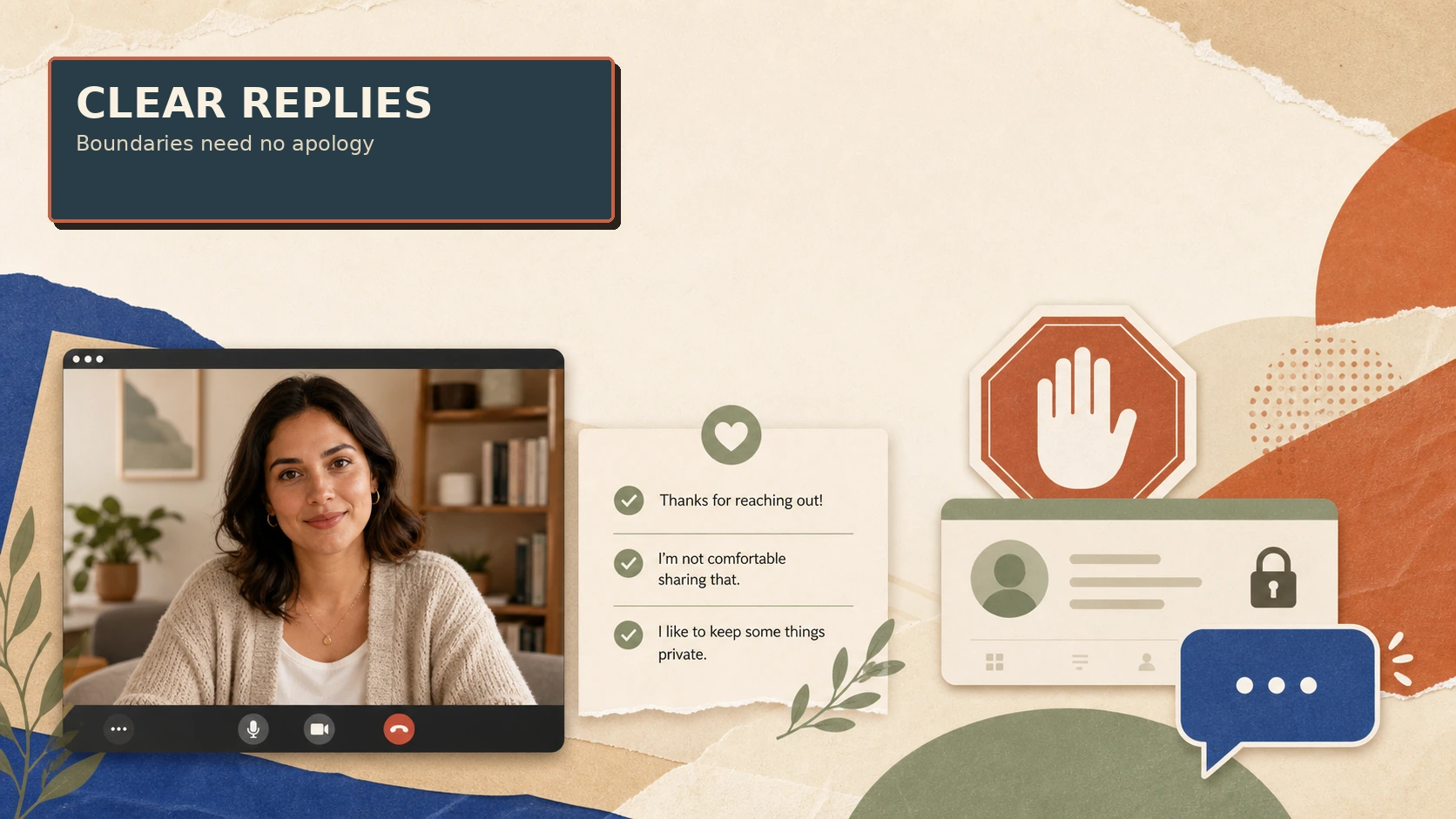
- “I keep my social accounts private.”
- “I don’t move chats off this platform.”
- “I’m happy to talk here, but I won’t share contact details.”
- “I don’t share my real name with people I just met.”
- “No, thanks. I’m going to end the chat now.”
You do not need to invent an excuse. A short answer is clearer than a long explanation that gives the other person more information to question.
What to check before sharing any profile
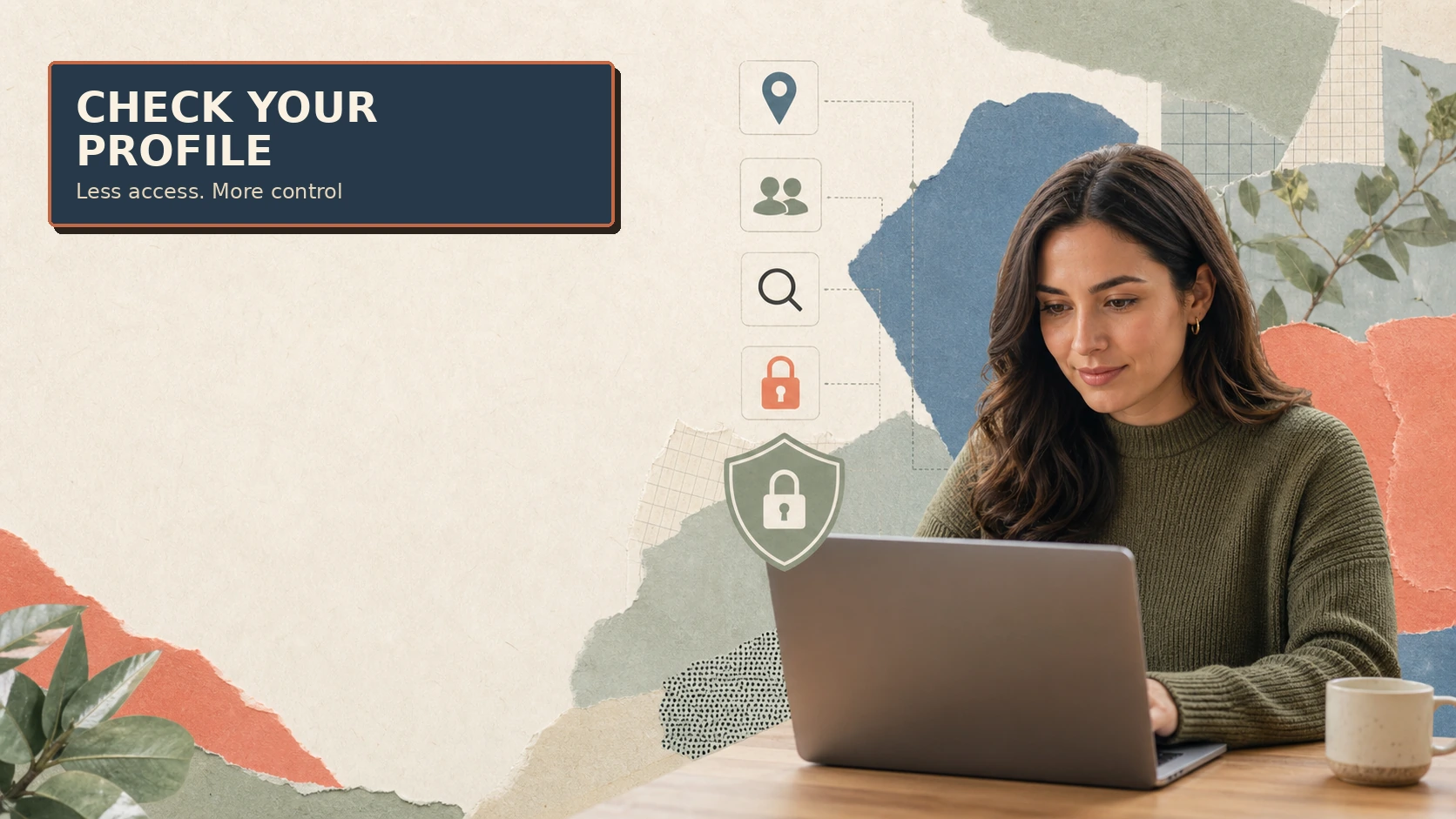
- Look at the profile you would expose. Does it show your surname, workplace, neighbourhood, routine or family?
- Check whether the username is reused. The same handle across platforms can make it easy to connect separate parts of your life.
- Remove location clues. Review public posts, tagged places, visible street signs and live updates.
- Decide whether the benefit is worth the access. You can keep talking without moving to another app.
The privacy data guide explains how device, account and session details can combine with information you volunteer in conversation.
What not to share to prove you are trustworthy
A stranger may ask for a selfie, a phone number or a screenshot of your profile as a “small” way to prove that you are real. You can decline all of those requests. Do not share your home view, workplace badge, travel plans, private email address, live location or a photo that is not already meant for that audience.
Trust should develop without a test that gives someone more access to your life. If the person says they will leave unless you comply, let them leave.
When a request becomes pressure
Pay attention if the stranger says you are rude, challenges you to prove trust, asks for a photo first or keeps repeating the request after you say no. Pressure is useful information: it tells you to stop sharing and leave.
Use the platform’s Next, block or report controls. The platform reputation guide can help you assess whether a service makes those controls easy to find before you start a future session.
What to do if you already shared the profile
Do not panic or continue the conversation to explain yourself. Tighten the profile’s privacy settings, remove public contact details, review followers and block the account if needed. If the same password is used elsewhere, change it from the official account settings and enable two-factor authentication.
Privacy Rights Clearinghouse explains that social profiles can reveal more than users intend and recommends limiting personal information and reviewing privacy settings. Its Privacy 101 guidance is a useful reminder that privacy settings can change and that people can reshare what they see.
A boundary is not an accusation
You can protect your identity without deciding that the stranger is dangerous. The rule is simple: access to your social media is optional, and you choose the timing, platform and audience.
EFF’s guide to protecting yourself on social networks recommends reviewing audience, location, contact and search settings. Use those controls before you give a new person a path into your wider online life.


