Your Webcam Was Recorded: A Practical Privacy Incident Plan
Learning that a webcam recording was shared without your consent can make you feel exposed and pressured to react immediately. You may want to search for every copy, argue with the account that posted it or pay someone who promises to make the problem disappear.
Start with containment instead. Preserve the source details, stop further access to your camera and accounts, report the original platform and get another person to help with the repetitive work. You do not need to download or forward the recording to prove that a privacy incident happened.
This guide is written for adults and provides general information, not legal advice. Reporting options and deadlines differ by country. If someone is threatening physical harm, doxxing you or trying to reach you offline, contact local emergency services or a qualified professional.
A camera session is not a permission slip for someone else to record, publish, threaten or redistribute it.
How a webcam recording incident differs from other image-based abuse
A webcam incident begins with a live or recorded camera session. The immediate questions are different from those in a deepfake case: Was the recording made by the platform, another participant, a compromised account or malware? Where did it first appear? Can the camera or account still be accessed?
The recording might be private, edited, reposted or used in a threat. Treat the situation as a privacy and security incident first; gather facts without spreading the file.
What to do in the first 15 minutes
- End the session. Close the chat, cover or disconnect the camera and leave the account if you feel watched or pressured.
- Stop negotiating. Do not pay, send more material or click a link supplied by the person making the threat.
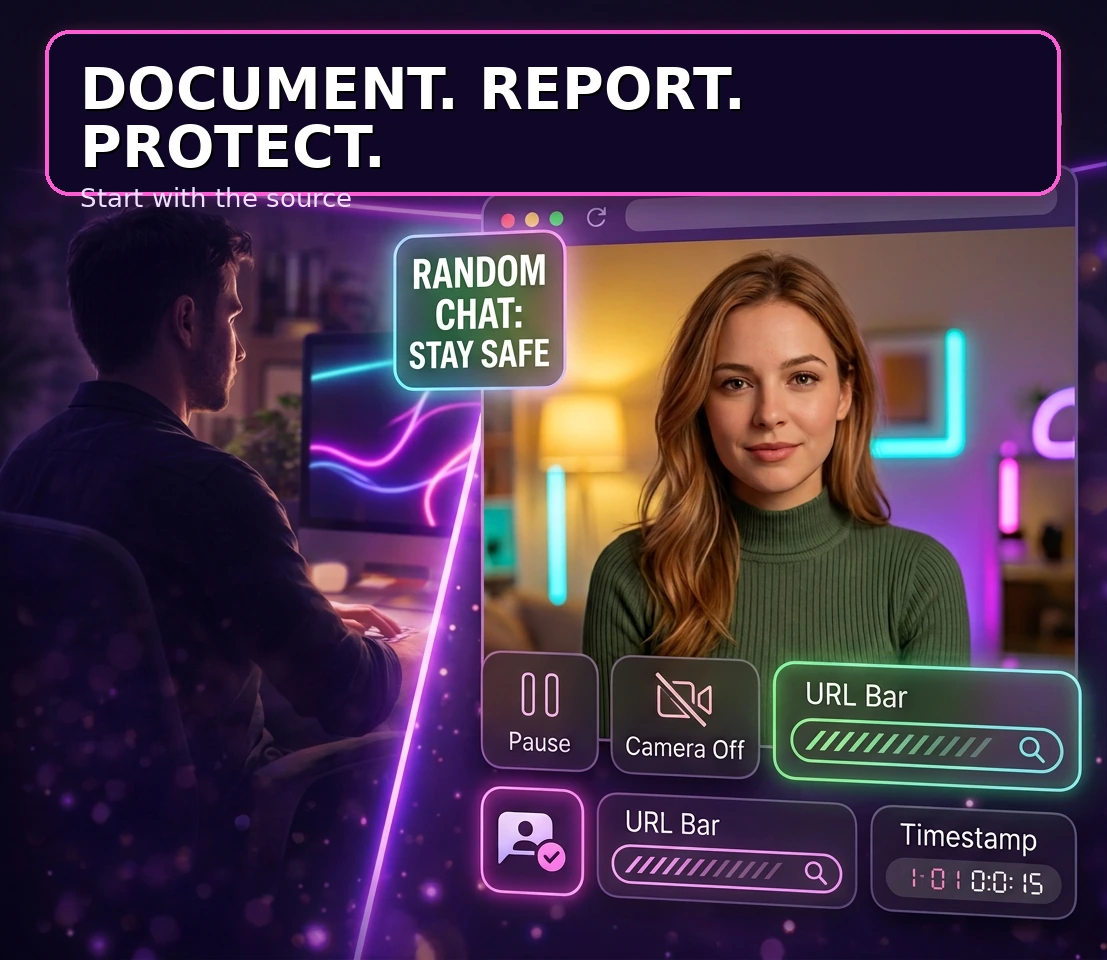
- Record the source. Save the platform name, page URL, username, account ID, date, time and visible report number.
- Tell one trusted person. Ask them to help log URLs and report details while you step away from the screen.
- Secure the main email account. Change a reused password, review active sessions and turn on two-factor authentication.
If you think your device is actively compromised, use a different trusted device to change passwords and contact support. Never install remote-access software from an unknown sender.
How to preserve evidence without sharing the footage
Make a private incident log containing the original URL, account handle, platform, timestamps, threat wording, payment instructions and report confirmation. Capture the page address and surrounding interface where possible, but avoid opening the recording repeatedly or saving more of it than is necessary.
Do not post the recording in a group chat, public forum or social-media thread to ask whether it is authentic. If a lawyer, investigator or support organisation needs additional evidence, ask which format and transfer method they prefer. If the material may involve anyone under 18, do not download or forward it; seek urgent advice from the relevant local authorities or child-safety service.
How to stop further camera and account access
After documenting the source, reduce the chance of a second recording or account takeover. Close browser tabs and applications that can use the camera. Revoke camera and microphone permissions for unfamiliar websites, extensions and apps. Then update the operating system, browser and security software.
Review email forwarding rules, connected applications, recovery addresses and active sessions. Change passwords from a trusted device, starting with email because it can reset other accounts. Use unique passwords and an authenticator-based second factor where available.
The privacy data guide explains why camera sessions, device details and connection metadata deserve separate attention. A permission reset can stop future access, but it cannot remove a copy that someone already made.
On Mac, Apple’s camera and microphone privacy controls explain how to review which apps can access those devices.
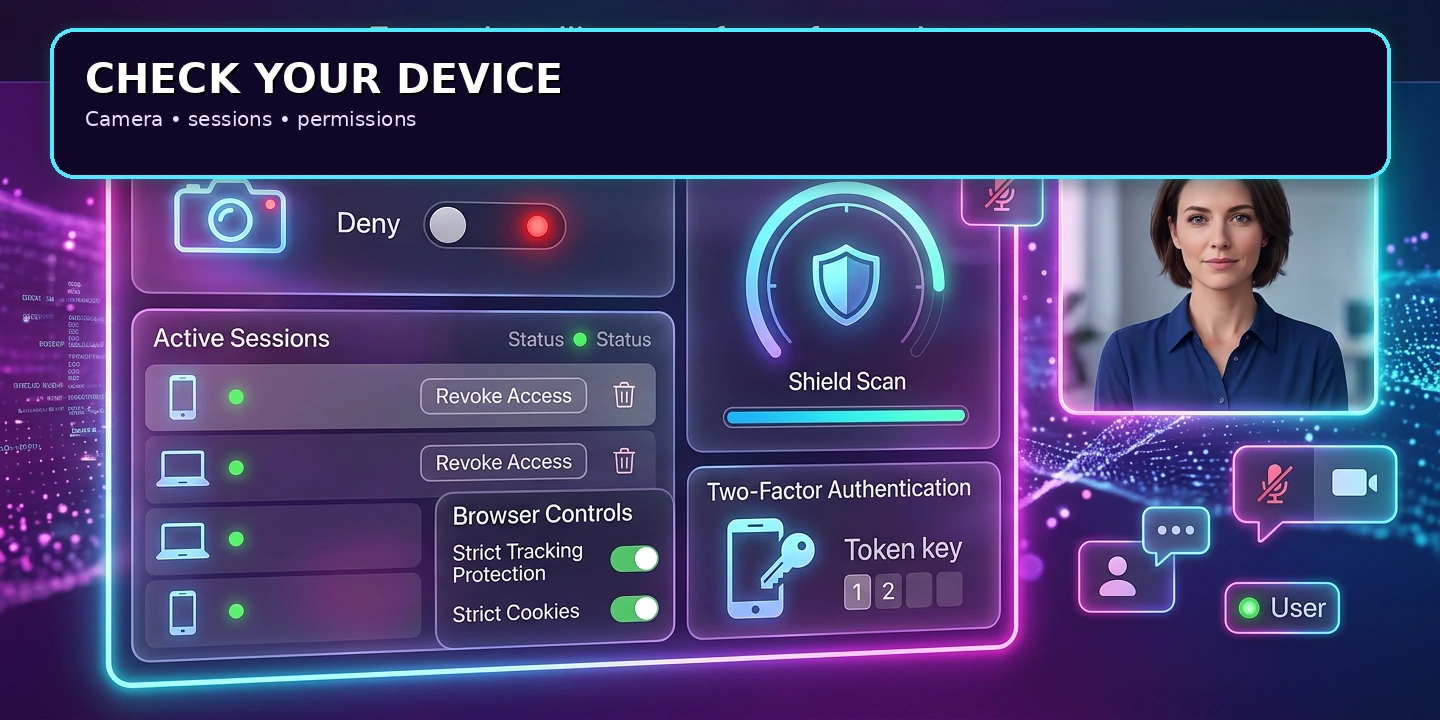
How to check browser camera permissions after an incident
- Open the browser’s site-permission panel and remove camera and microphone access for the affected site.
- Review installed extensions and delete anything you do not recognise or no longer need.
- Check the operating system’s privacy settings for camera and microphone access by app.
- Look for unfamiliar login sessions, devices or security alerts in your email and chat accounts.
- Run a reputable malware scan and install pending security updates.
- If the camera activates unexpectedly again, disconnect from the internet and seek technical help from a trusted professional.
If you use Firefox, Mozilla’s camera and microphone permissions guide explains how to change or clear a site’s access.
Do not rely on a physical camera cover as the only fix. It can block the lens, but it does not end microphone access, account compromise or the distribution of a recording already saved elsewhere.
How to report a webcam recording to the original platform
Report the page, post, message or profile where the recording first appears. Choose the closest category available: privacy violation, unauthorised recording, nonconsensual intimate imagery, harassment, impersonation or blackmail. State that you are the person recorded, that you did not consent to the distribution and that you want the source removed.
Include the exact URL and account details rather than a public description of the recording. Save the confirmation number and note when you submitted the report. If the platform offers an appeal, privacy contact or urgent safety route, use that channel instead of creating new public posts about the material.
If the recording includes intimate imagery, the intimate-image removal guide covers the separate removal pathway. Before using any new chat platform, the platform reputation guide can help you review moderation and reporting signals in advance.
The site’s Terms of Service may explain platform reporting boundaries, but terms are not a substitute for an urgent safety report or local help.
When Google Search removal can reduce visibility
If the recording contains intimate imagery and appears in Google Search, Google’s current personal sexual image removal process lets an adult request removal of eligible results. The process can distinguish between a real image shared without consent and a fake AI-generated image that uses your likeness.
Search removal affects results, not the original website, private messages or every other search engine. Submit the exact result URLs, keep the request details and continue reporting the source platform. Do not treat a search result as proof that you must locate every copy.
What to do when someone threatens or demands payment
Do not pay or send additional material. Payment does not guarantee deletion and can create another reason for the person to contact you. Preserve the demand, stop responding, block the account where safe and report the threat to the platform.
The Cyber Helpline’s webcam blackmail guidance recommends cutting communication, preserving evidence and seeking appropriate support. Its advice is particularly relevant to webcam blackmail, but its reporting routes are not universal; use local police, cybercrime reporting and victim-support services for your country.
If a threat includes your address, workplace, family members or a plan to find you, treat it as a physical-safety concern. Tell someone you trust and contact local authorities.
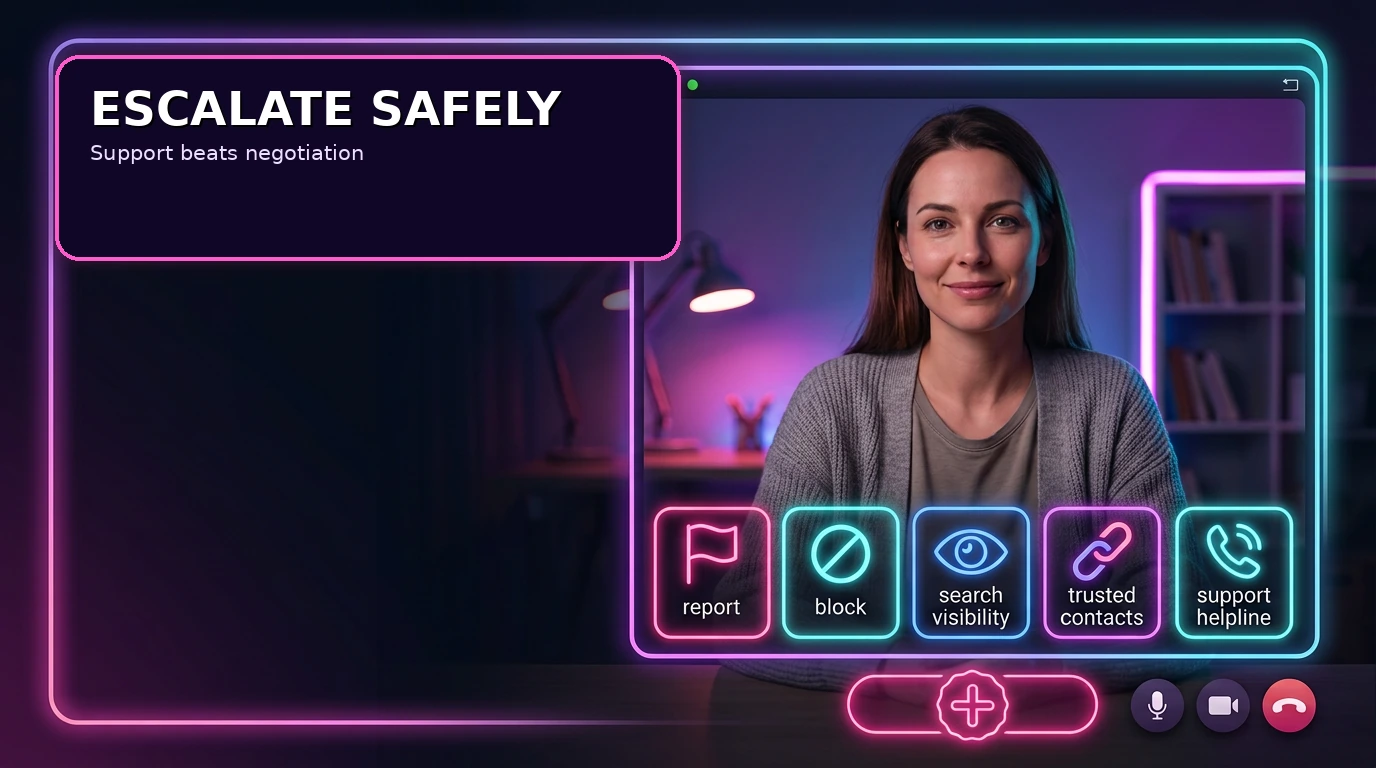
How to warn contacts without increasing distribution
You do not need to send the recording or describe private details. If a threat involves your contacts, a short message can be enough: “My account may have been targeted. Please ignore unexpected links or files using my name, do not forward anything and tell me which account sent it.”
Ask contacts to keep the sender’s username, URL and time rather than saving or forwarding the footage. If someone already received it, ask them not to open it again and to report the message through the platform’s privacy or abuse route.
Which response fits the webcam privacy problem?
| Action | Most useful for | Important limit |
|---|---|---|
| Permission reset | Stopping future camera or microphone access by a site or app. | It cannot remove a recording already saved elsewhere. |
| Platform report | Reviewing and removing the original post, account or message. | It may not reach copies on other services. |
| Search removal | Reducing visibility of eligible intimate results in Google Search. | It does not delete the source page. |
| Account recovery | Reducing the risk of impersonation or further account access. | It does not undo earlier distribution. |
| Local support | Assessing threats, evidence and legal options in your country. | Response times and powers differ by location. |
Common mistakes after a webcam recording is shared
- Searching for every copy and repeatedly exposing yourself to the material.
- Paying a stranger who promises guaranteed deletion or secret hacking.
- Sending more content, passwords or identity documents to prove what happened.
- Deleting the account or messages before saving URLs and report details.
- Installing remote-access software or “cleanup” tools from an unknown sender.
- Posting the recording publicly to ask friends to verify it.
- Changing a social password but leaving the email account and active sessions exposed.
Keep the response methodical: one private log, one platform report and one trusted helper.
When to involve local authorities or a lawyer
Consider professional help when there is blackmail, stalking, repeated reposting, doxxing, account takeover, financial loss or a credible physical threat. A local lawyer can explain privacy, harassment, copyright and evidence rules that vary by jurisdiction. For incidents connected to the United States, the FBI’s Internet Crime Complaint Center is one possible cybercrime reporting route; it is not a replacement for local emergency services.
Bring your incident log, URLs, usernames, dates, report numbers and payment details if relevant. Avoid sending the recording itself until the professional tells you how to transfer sensitive material securely.
FAQ: webcam recording shared without consent
What if I do not know whether the camera was recording?
Take the same first steps: leave the session, revoke permissions, review account activity and preserve any warning, message or URL. You can report suspicious behaviour without making a technical claim you cannot verify.
Should I contact the person who shared the recording?
Usually no, particularly if they are demanding money or making threats. Do not negotiate. Save the evidence, report the account and seek support.
Can Google remove a webcam recording from the internet?
Google can only review eligible results in Google Search. If the recording includes intimate imagery, you may be able to request removal from search results. The source website still needs a separate report.
What if the recording is only in a private message?
Save the sender, message URL and timestamp without forwarding the file. Use the platform’s privacy or harassment report, block the account and ask recipients not to open or redistribute it.
Do I need to delete my social accounts?
Not automatically. Preserve evidence first, review active sessions and consider temporarily limiting or deactivating an exposed account if a professional recommends it. The site’s Privacy Policy describes site-side data handling, but it is not a replacement for incident support. Do not use public forms to send sensitive recordings.